
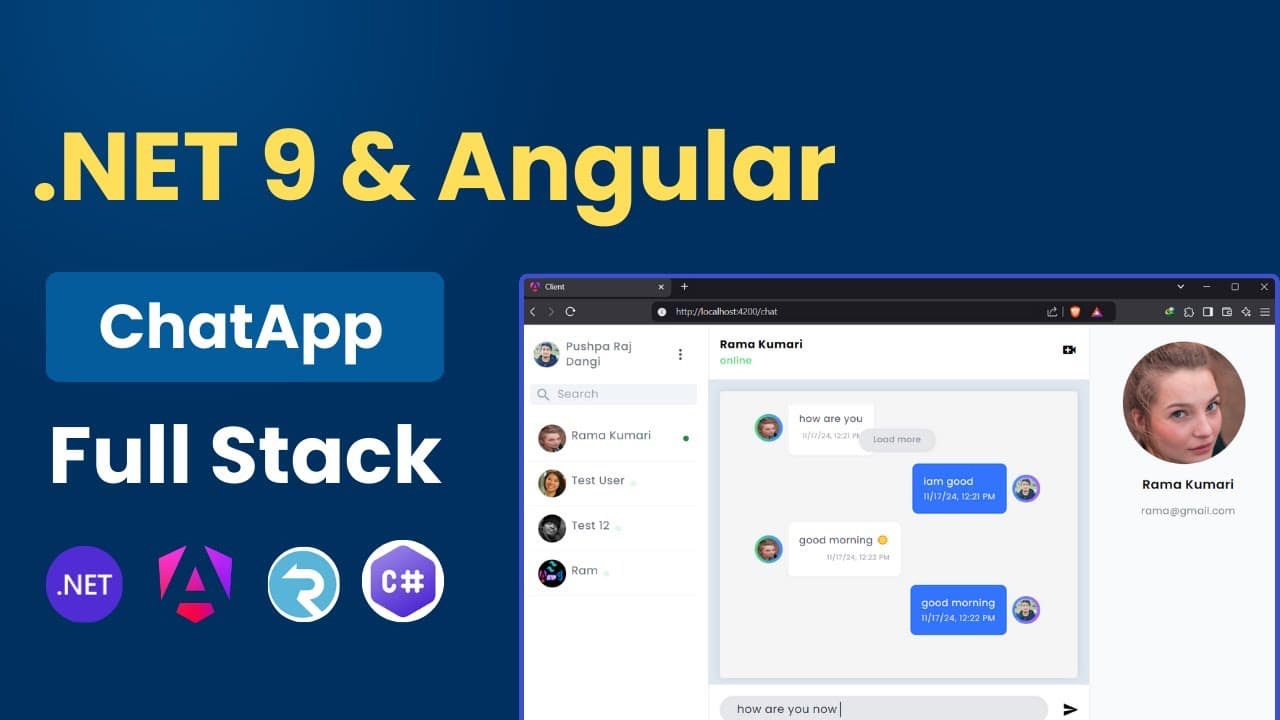
The EASIEST Way to Set Up Your ASP.NET 9 & Angular 19 Environment
In this video, we’ll guide you step-by-step through setting up the environment for building a Full Stack Chat Application using .NET 9 and Angular 19. Whether you're a beginner or an experienced developer, this tutorial will help you configure your development environment seamlessly. TimeLine: 0:00 Introduction 0:06 Download And Install .NET 9 SDK 0:50 Verify .NET SDK Using CMD 1:12 Download and Install Visual Studio Code 2:08 Setup Vscode C# , NugetGallery,Sqlite Extensions 2:44 Download And Install Node Js For Angular Development 3:12 Install Angular in windows 11 using CLI 3:44 Setup Angular language Service , Material Icon theme You may like: https://youtu.be/FNQPTLGX2Qc 📂Source Code: https://www.patreon.com/posts/asp-net-web-api-145956711 What You'll Learn: ✅ Installing and setting up .NET 9 SDK ✅ Setting up Angular 19 CLI and initializing the project ✅ Configuring Node.js and npm for Angular ✅ Setting up Visual Studio Code for efficient development ✅ Creating and running the backend (Web API) ✅ Serving the frontend (Angular) application By the end of this video, you’ll have everything ready to start coding your real-time chat app using SignalR, JWT Authentication, and Angular 💬 Let us know in the comments if you encounter any issues or need help. Don’t forget to like, subscribe, and hit the bell icon 🔔 for updates on the next video in this series! #dotnet9 #angular19 #fullstackdevelopment #chatapp #environmentsetup