
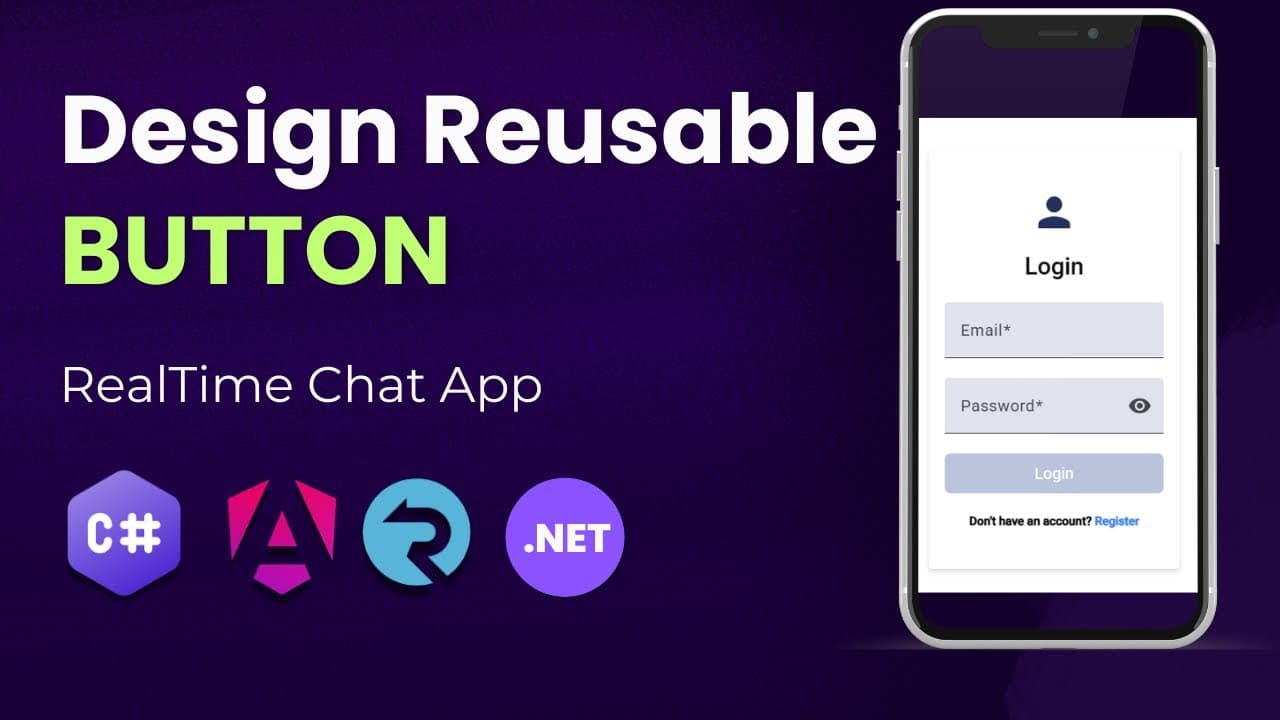
Design Reusable Button in Angular Using Signals
In this video, you'll learn how to create a fully reusable button component in Angular 19 using Signals — the new reactive primitive introduced in Angular for efficient state management. We’ll walk through: ✅ Setting up a reusable button component ✅ Leveraging Angular 19’s Signals for reactivity ✅ Binding click events and dynamic content ✅ Passing inputs like label, type, disabled, and more ✅ Styling the button for consistent UI across your app This is perfect for developers who want to write cleaner, more maintainable Angular code with the latest features in Angular 19. 🔔 Don’t forget to subscribe for more Angular tips, tricks, and real-world examples! 📌 Technologies used: Angular 19 TypeScript Signals (reactivity model) SCSS / CSS for styling 📂 Source Code: https://www.patreon.com/posts/asp-net-web-api-145956711 #Angular19 #AngularSignals #ReusableComponent #AngularTutorial #WebDevelopment #Frontend #AngularUI