
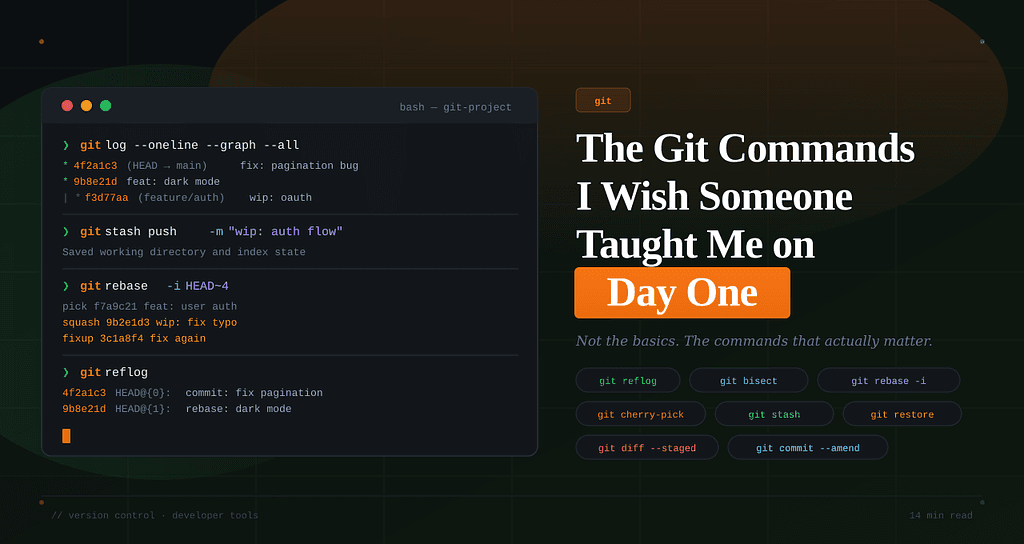
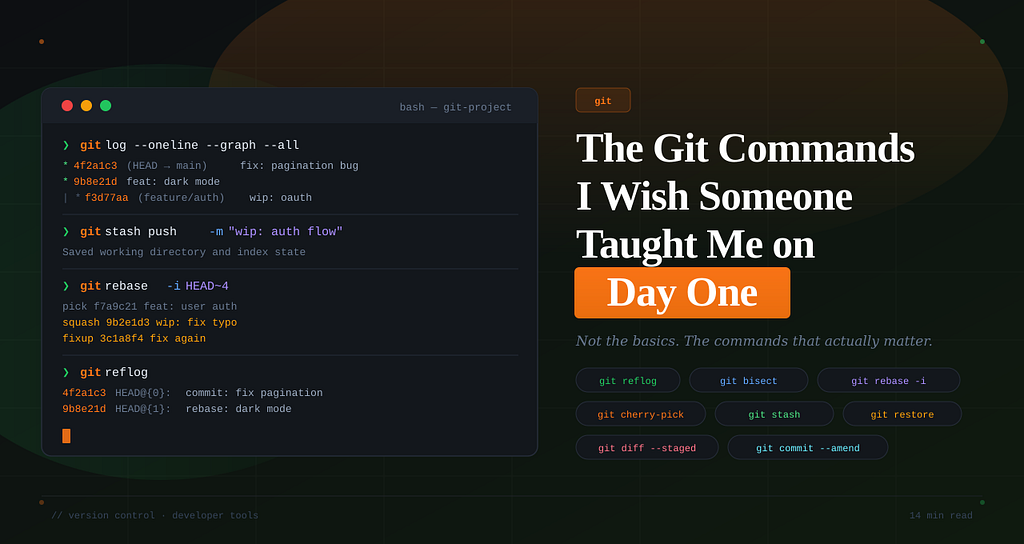
Not the basics. Not the tutorial commands. The ones that would have saved me from three years of bad habits, lost work, and 2 AM panic spirals.
I still remember the first time I force-pushed to main.
I didn’t mean to. I thought I was pushing to my feature branch. I was two weeks into my first engineering job, I had no idea what I’d done, and I watched my senior engineer’s face go from calm to a very particular kind of pale that I’d never seen before.
He fixed it. It took him about twelve minutes.
And those twelve minutes were the most educational of my entire career — not because he explained what went wrong, but because he didn’t.
He just quietly typed a sequence of commands I didn’t recognize… and went back to his coffee.
This article is the conversation I wish we had after that.
Git is like driving a car with no dashboard. You can go fast, but you won’t know you’re out of fuel until you’re already stuck.
1. git log — But Make It Actually Readable
Every developer learns git log.
Every developer runs it once… sees chaos… and never uses it again.
That’s a mistake.
Use this instead:
git log --oneline --graph --decorate --all
Why it matters:
- --oneline → clean, compact history
- --graph → shows branch structure
- --decorate → shows branch names
- --all → shows everything
Pro move: add an alias:
[alias]
  lg = log --oneline --graph --decorate --all
Now just run:
git lg
This becomes your Git radar. Use it constantly.
2. git diff — Your Daily Safety Net
This one confuses everyone at first.
git diff
→ shows unstaged changes
git diff --staged
→ shows what you’re about to commit
git diff main..feature/auth
→ compare branches
git diff HEAD~1 HEAD
→ see last commit changes
💡 Habit that will save you:
Run this before every commit:
git diff --staged
You’ll catch:
- debug logs
- accidental files
- embarrassing mistakes
3. git stash — Your Emergency Escape Hatch
You’re mid-work. Suddenly:
“Can you fix this production bug?”
You’re not ready to commit.
Use:
git stash push -m "wip: auth flow"
Later:
git stash list
git stash pop
⚠️ Always name your stash.
Unnamed stashes = confusion + regret.
4. git commit --amend — Fix Without Mess
Forgot something in your last commit?
Instead of creating a messy new commit:
git commit --amend -m "better message"
Or:
git add file.js
git commit --amend --no-edit
🚨 Rule:
Only do this if you haven’t pushed yet.
5. git rebase -i — Clean Up Like a Pro
This is your history editor.
git rebase -i HEAD~4
You can:
- squash commits
- rename messages
- delete mistakes
Common commands:
CommandMeaningpickkeep commitrewordedit messagesquashmerge commitsfixupmerge silentlydropdelete
💡 Workflow:
- Write messy commits while coding
- Clean them before PR
Your commit history is a story. Rebase lets you edit the draft.
6. git bisect — Find Bugs Fast
Bug exists… but where did it start?
Use:
git bisect start
git bisect bad
git bisect good v2.1.0
Then keep marking:
git bisect good
git bisect bad
Git will binary search your history.
300 commits → ~8 steps to find the bug.
That’s insane power.
7. git reflog — The Real Undo Button
Lost commits?
Panicked after reset?
Use:
git reflog
You’ll see:
HEAD@{0}
HEAD@{1}
HEAD@{2}
Recover:
git checkout <commit>
or
git branch recovered <commit>
💡 Important:
- Works locally only
- Doesn’t fix bad pushes
8. git cherry-pick — Take Only What You Need
Need one commit from another branch?
git cherry-pick a1b2c3d
Use cases:
- hotfixes
- backporting
- selective features
9. git restore — Clean Undo
Modern alternative to checkout:
git restore file.js
Unstage:
git restore --staged file.js
Restore from commit:
git restore --source HEAD~2 file.js
⚠️ Warning:
This can permanently delete changes.
10. Git Config That Makes Life Better
Set these once:
git config --global push.autoSetupRemote true
git config --global pull.rebase true
git config --global rebase.autoStash true
git config --global diff.context 5
git config --global core.editor "code --wait"
Small tweaks. Huge productivity boost.
The Mental Model Nobody Explains
Git has three layers:
1. Working Tree
Your actual files
2. Staging Area
Where changes prepare for commit
3. Repository
Your permanent history
Understanding this = everything clicks.
Fast Git users aren’t faster because they know more commands.
They’re faster because they understand the system.
One Last Thing
The best Git habit:
Commit small. Commit often. Commit with intention.
Because:
- Small commits = easier debugging
- Clean history = easier teamwork
- Better commits = less pain later
At the end
Start using even one command from this list today.
Your future self — the one debugging production at 11 PM — will thank you.